What teams stopped reporting?
You call the right supplier before the van spends a week off the map.
Last report of each GPS and each phone, by brand, model and vehicle.
From a truck to a hundred on the same account, connected to what you already use.
You left with a van in SOLO and today you have six. You pass Fleet on the same account, the GPS of another brand appear on the map and the billing, the ERP or your API are connected when you need them. What the first truck did is still there.
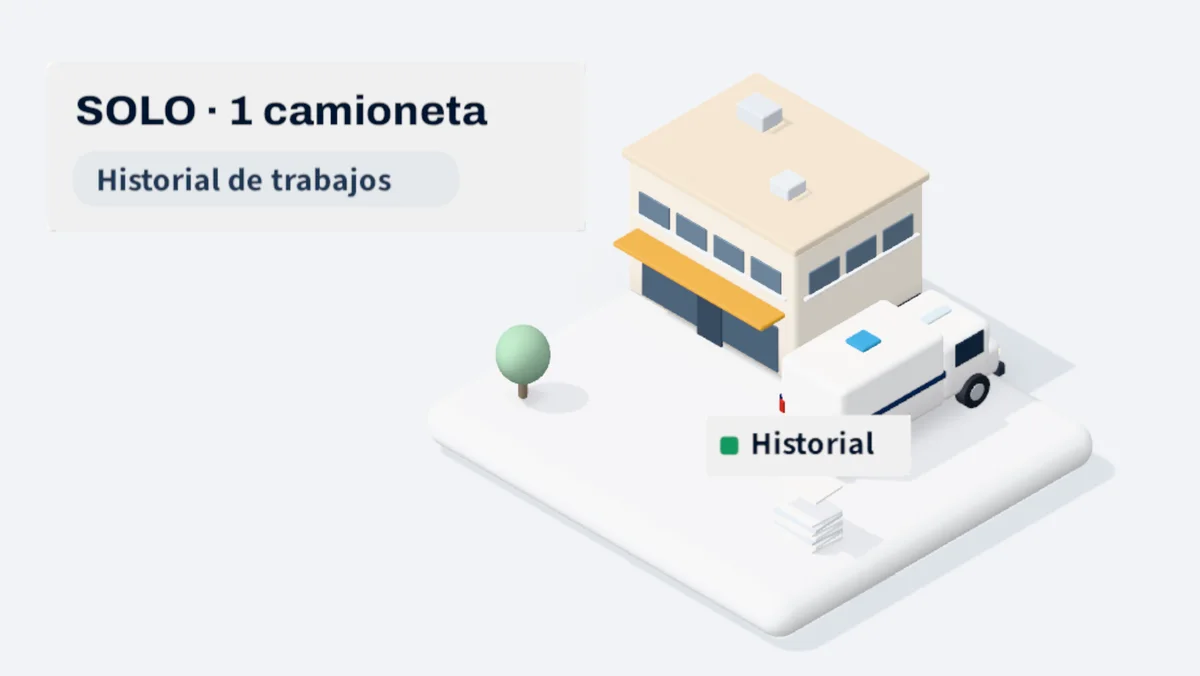
SOLO is the complete platform for a truck: orders, routes, evidence, expenses and history of each job from the first day.
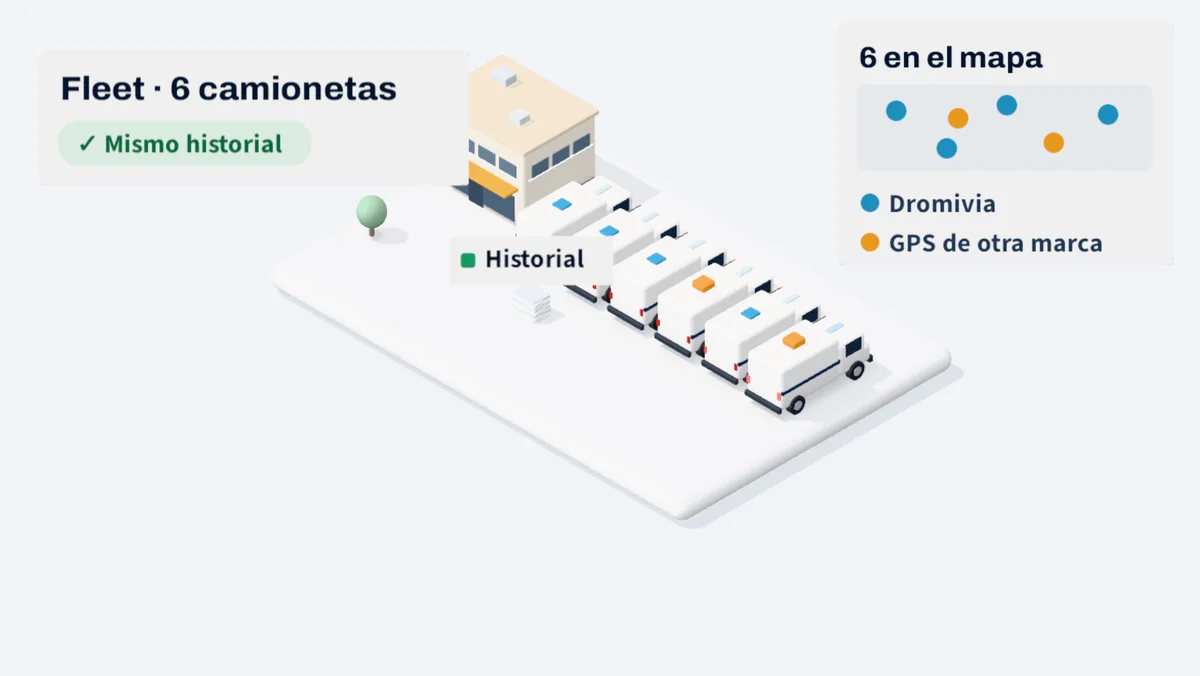
The first truck's history is still there. Two of the new ones bring GPS from another brand, and they connect without disassembling them to appear on the same map.
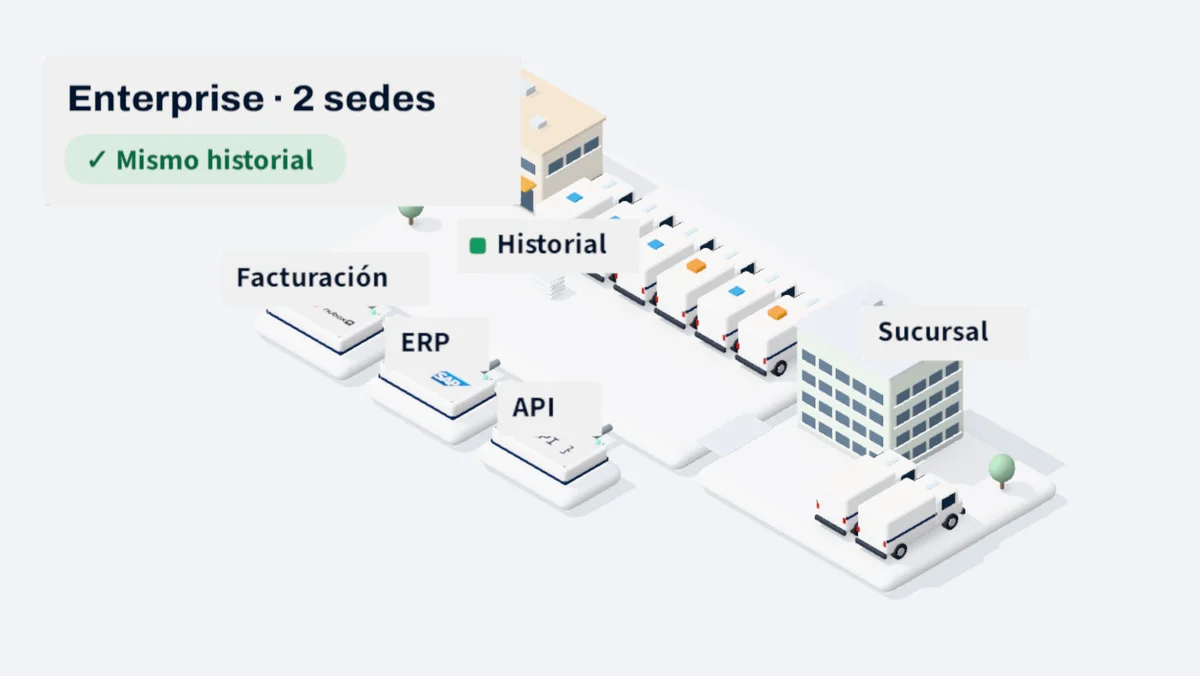
Each closed delivery in Dromivia is next to your tax document. With Enterprise your ERP and your own systems are connected, and the new branch enters the same account.
We started with a van in SOLO. Now we have six, and two bring GPS from another brand that we didn't want to get out because they were already paid. We passed to Fleet without changing account. The first truck is still there, the whole record, and the two old GPS appeared on the map that same week.
Felipe Castro
Owner of a hardware store
Before someone had to open two GPS portals and a sheet every morning to know where each order was going. It was a can. Now when the driver closes the delivery, it's stuck to the bill, and we don't even open it. We're about to open in Osorno and the idea is to keep the same account.
Soledad Herrera
Head of Administration
Every answer comes out of what your team already records at work. No one has to set up a spreadsheet for that.
You call the right supplier before the van spends a week off the map.
Last report of each GPS and each phone, by brand, model and vehicle.
You correct the invoice or guide on the same day, without waiting for the month to close.
Closed work in Dromivia crossed with your electronic billing documents.
You plan to move to Fleet or Enterprise before opening the next base.
Active trucks, branches and users, compared to what each plan covers.
Activate the new plan in your account and connect the GPS you already have or the phones with Dromivia.
Decide what system you order in customers, orders and tax documents.
Connect your electronic billing and, in Enterprise, your ERP, with real test orders.
Your technical team receives its credentials from API and Data Connector. In Enterprise, we implement it with you.
How the orders come to you, how many vans come out and what you get away with today, so we show you where to start.